Free barcode calorie scanner
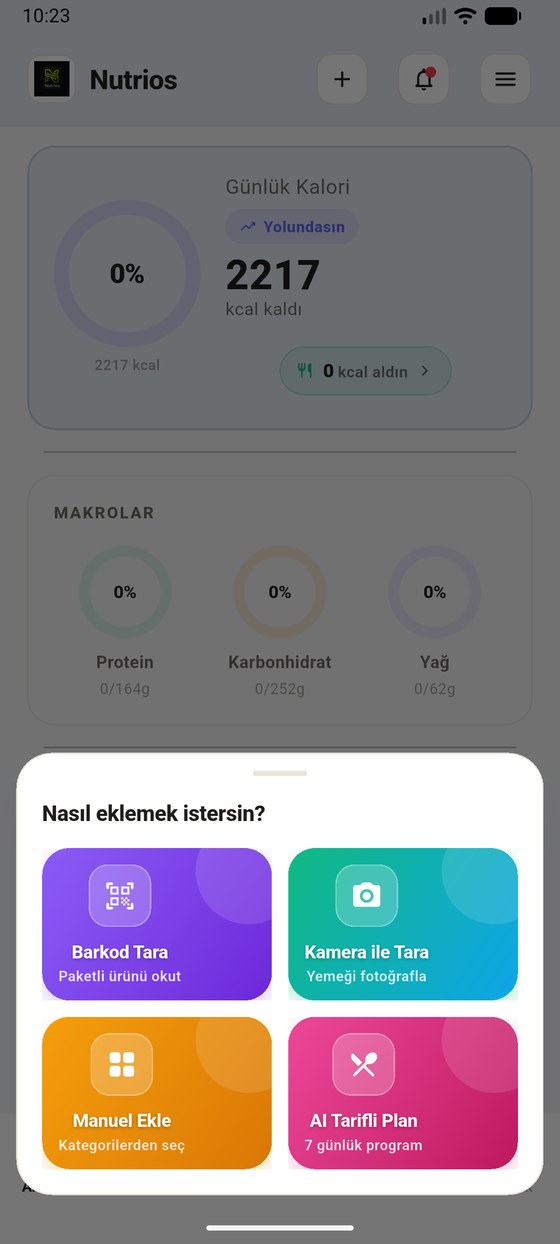
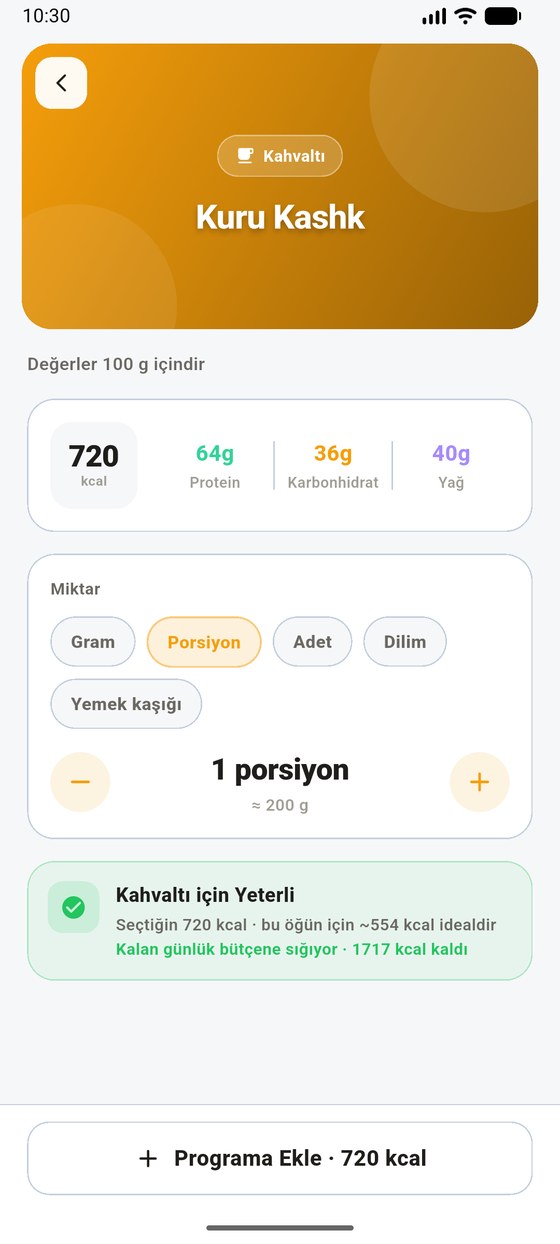
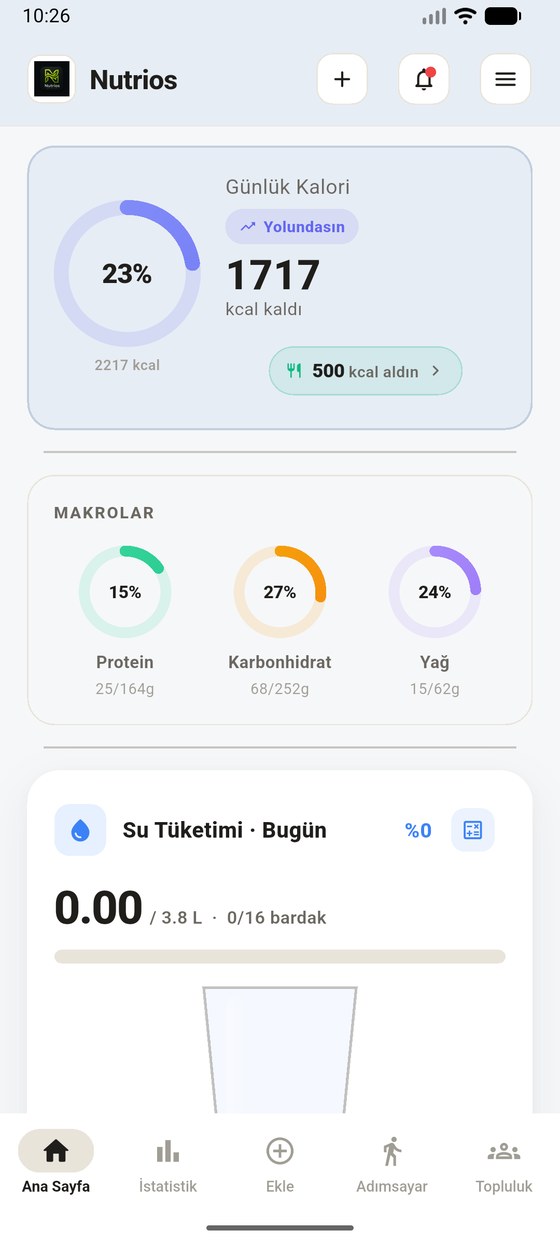
Scan a packaged product's barcode; calories, protein, carbs and fat land in your log instantly. Barcode scanning is free in NutriOS, no subscription needed.
In three steps
Is barcode scanning really free?
Yes. Barcode scanning, food search, and water and step tracking are in the free version of NutriOS, which shows ads. Some calorie apps keep barcode scanning in the paid tier; NutriOS does not.
Which products are included?
The catalogue holds more than 2.1 million barcoded products, including Turkish supermarket and chain products. Lookups run on our own server, with no outside service asked. Barcode product data comes from Open Food Facts and is used under the ODbL licence.
What if a product is missing?
Search the 212,747-food database by name or enter the label values by hand. For unpackaged meals you can use photo recognition (Premium).
Scan the barcode, get the calories
Download NutriOS for free; barcode scanning, food search, water and step tracking are free.
FAQ
How do I count calories with a barcode?
In the app pick Add → Scan Barcode and point the camera at the barcode. The product card opens; pick a portion and add it.
Is there a calorie counter app with a free barcode scanner?
Yes. In NutriOS barcode scanning is free, with no subscription required.
Does it include Turkish products?
Yes. The catalogue includes Turkish supermarket and chain products. Search by name or enter by hand if one is missing.